Get the BeePulse App
Install BeePulse on your phone for the best beekeeping experience — offline inspections, QR scanning, and instant access from your home screen.
Open on Your Phone
Scan this QR code with your phone camera to install the BeePulse app directly.

Or visit this URL on your phone:
beepulse.io/en/mobile-app
What the app looks like
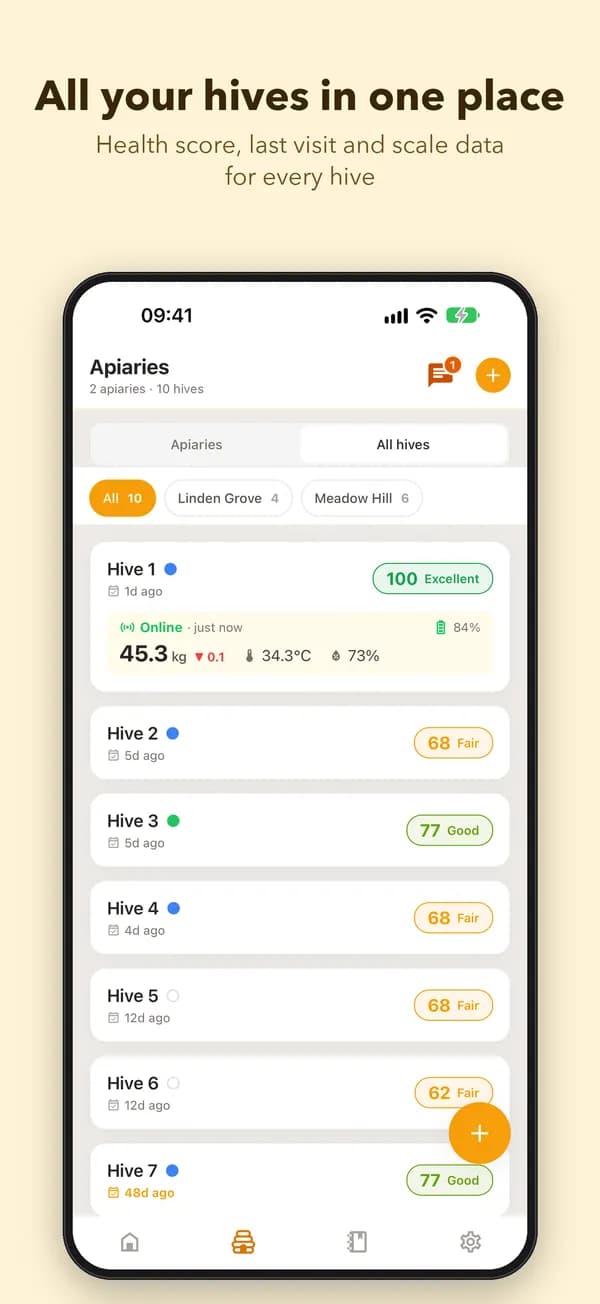
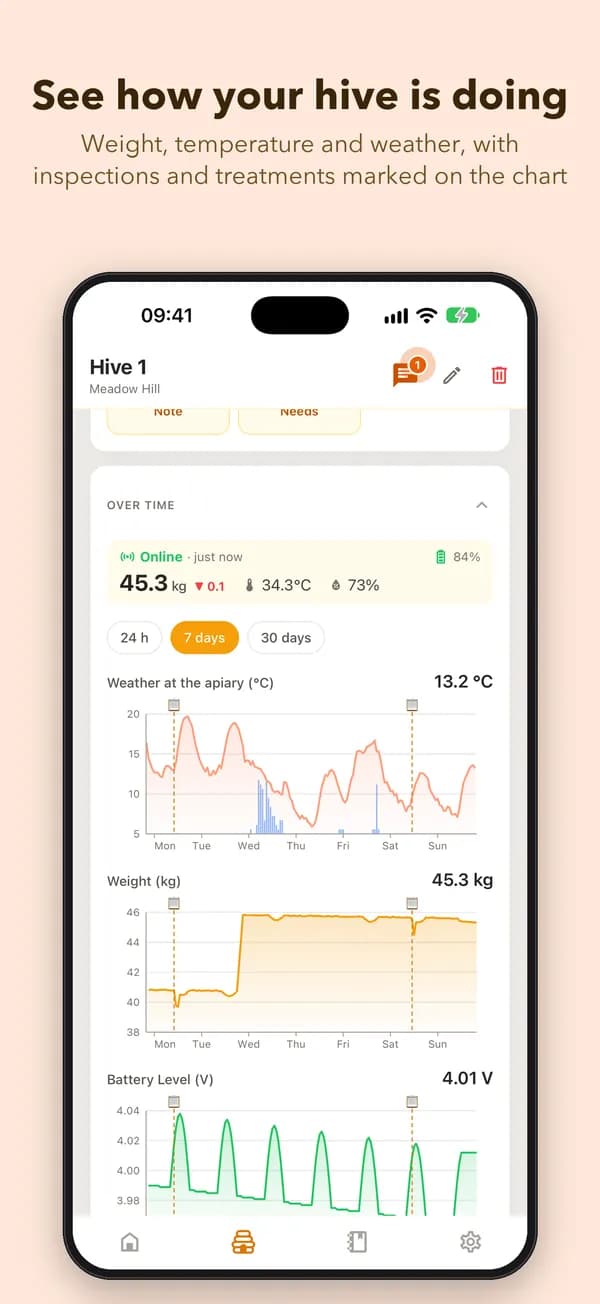
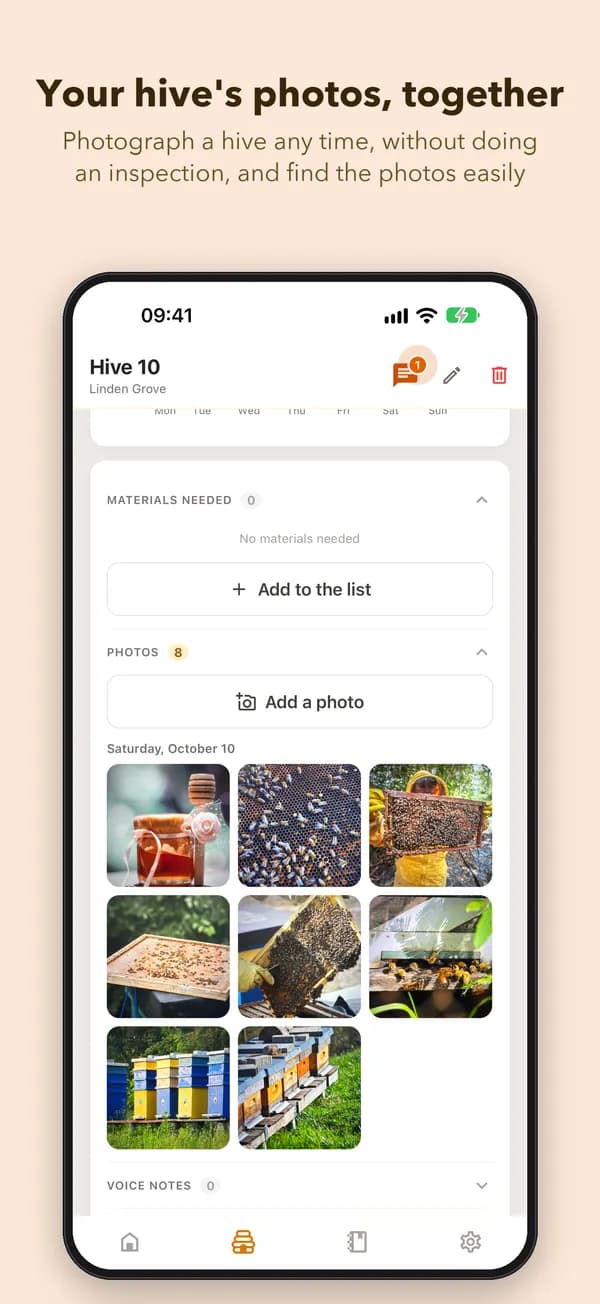
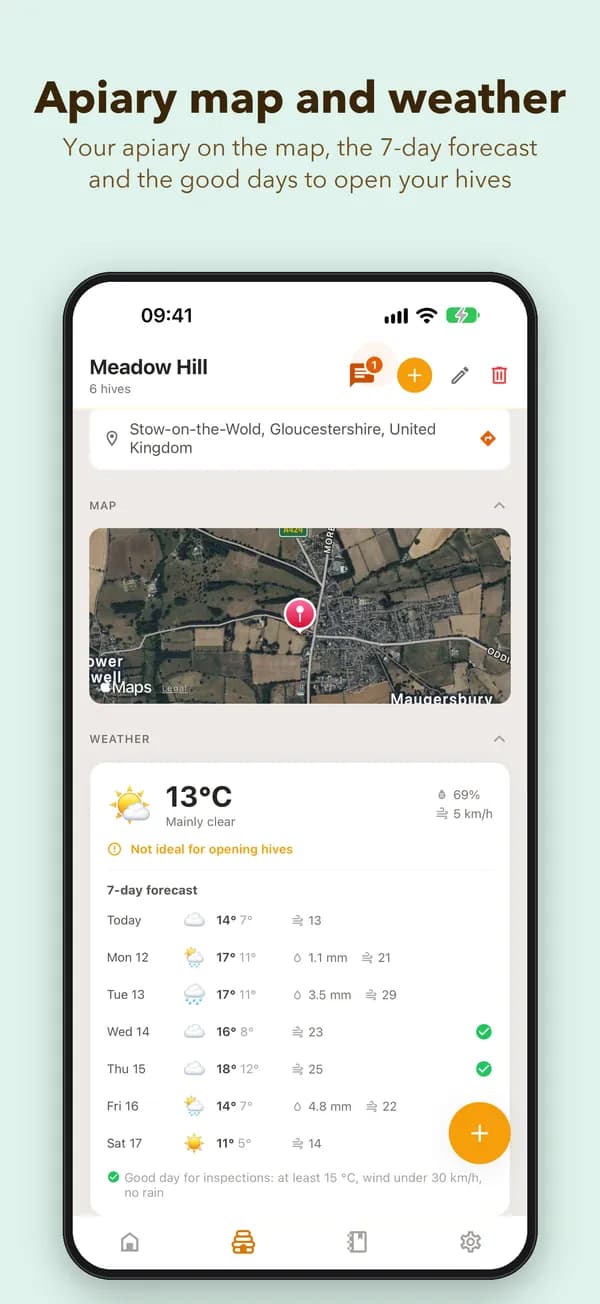
Your apiaries, hives, inspections, weather and each hive's evolution, in one phone app.
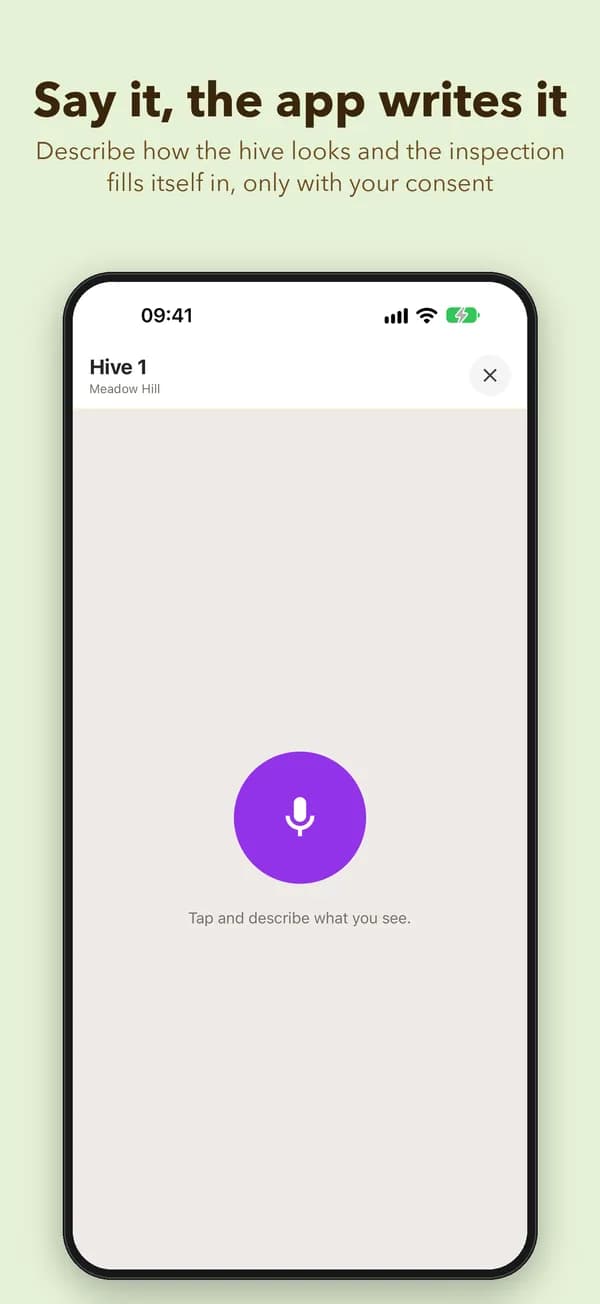
More screens
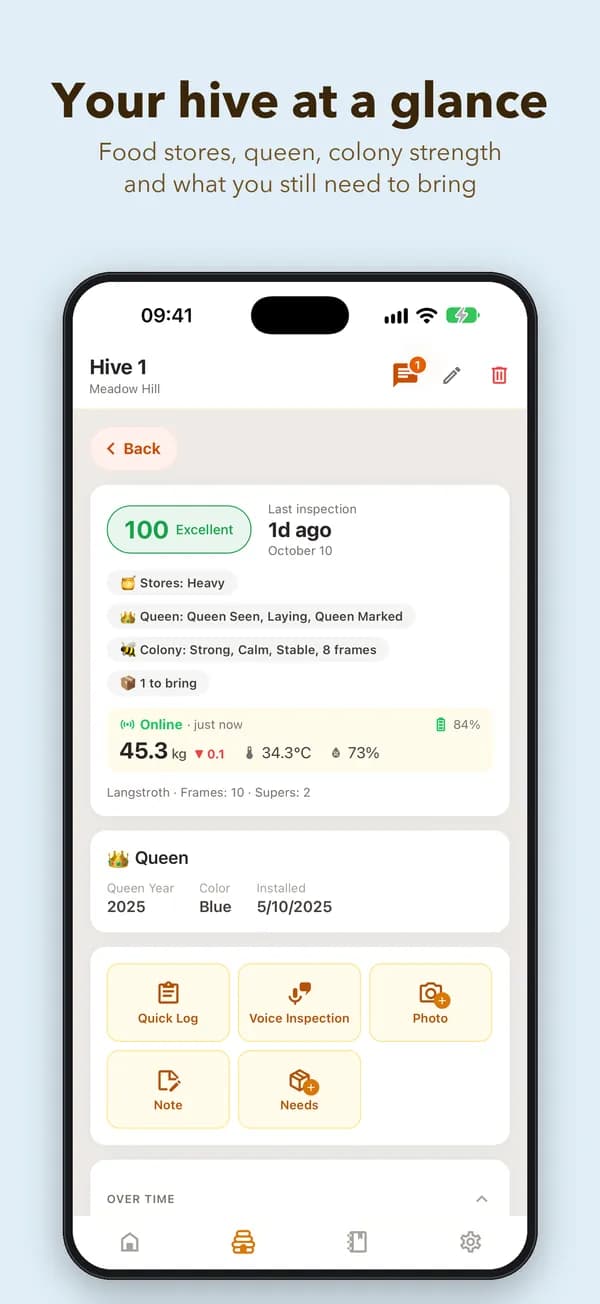
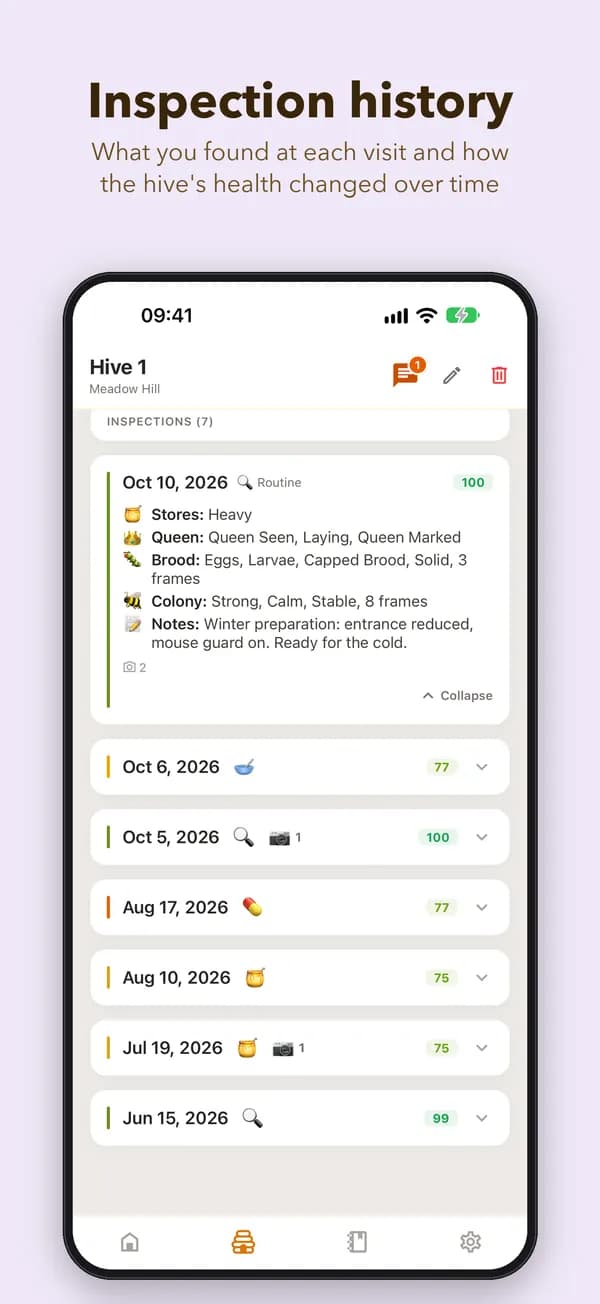
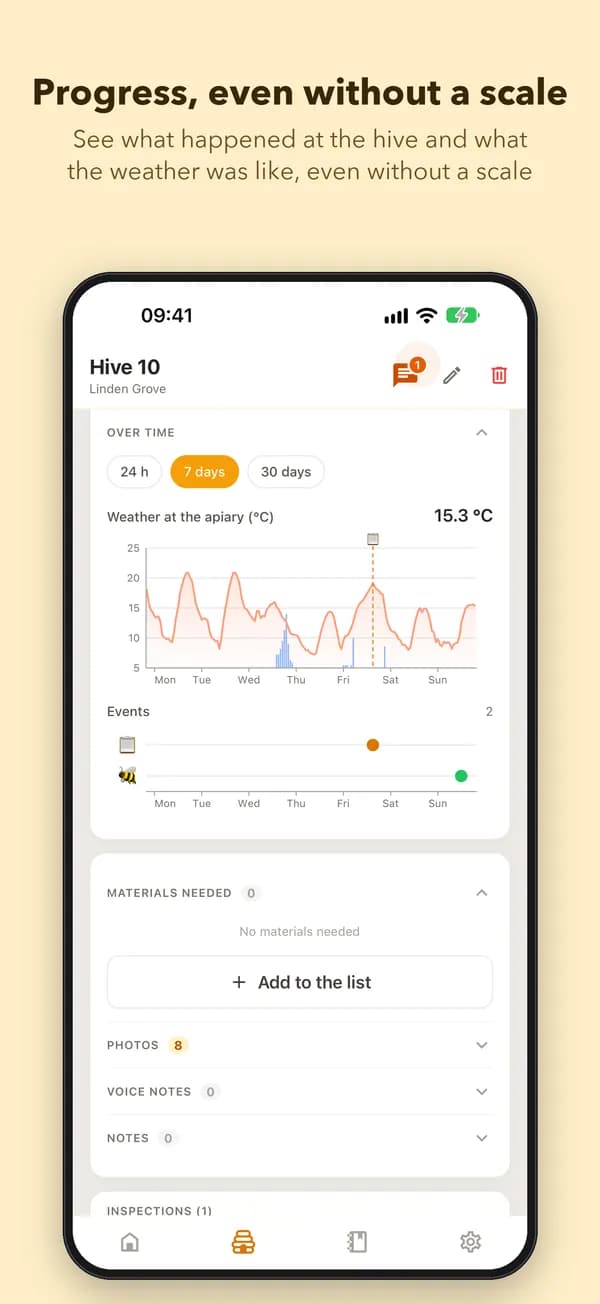
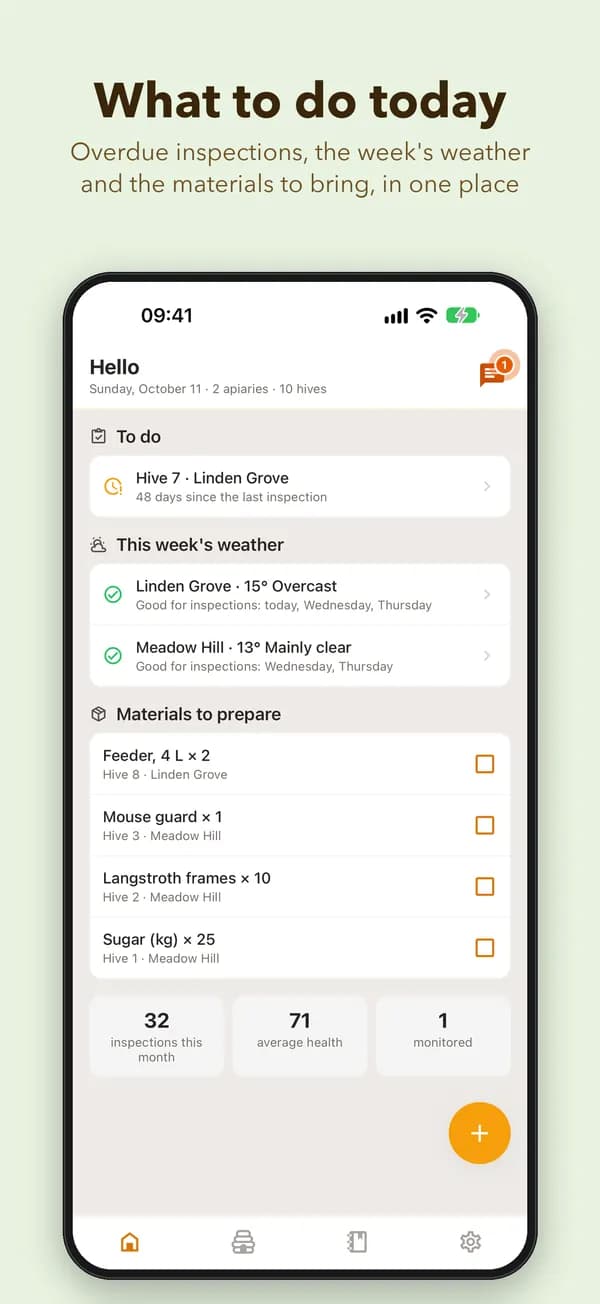
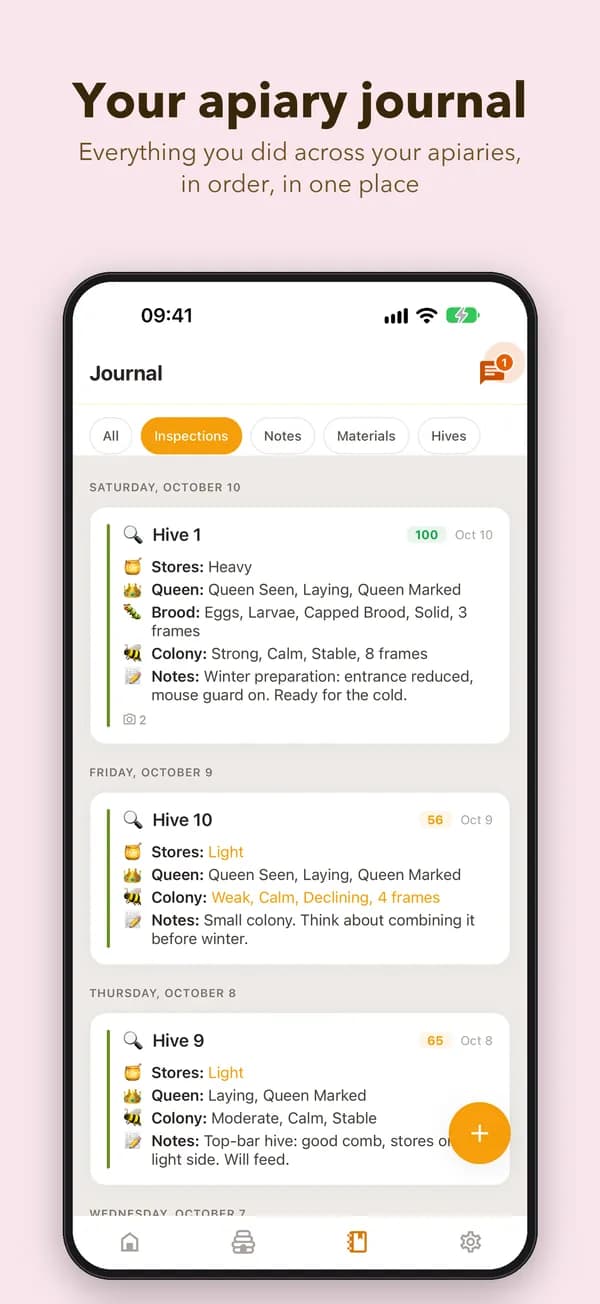
The data shown is fictional, for illustration.
What is the BeePulse App?
BeePulse is a Progressive Web App (PWA) that installs directly from your browser — no app store needed. It works like a native app with offline support, push notifications, and fast loading.
App Features
- Full offline support — inspect hives without internet
- QR code scanning to identify hives instantly
- Quick-Log inspections in 30 seconds
- Automatic sync when back online
- Weather forecasts for your apiaries
- Notes and photos attached to hives
Install on iPhone / iPad
- 1Open this page in Safari
- 2Tap the Share button (square with arrow)
- 3Scroll down and tap "Add to Home Screen"
- 4Tap "Add" to confirm
Install on Android
- 1Open this page in Chrome
- 2Tap the menu (three dots) or the install banner
- 3Tap "Install app" or "Add to Home Screen"
- 4Tap "Install" to confirm