Voice inspection, step by step: what to say, what gets recorded and how to check it
What happens to what you say at the hive: what is worth saying, where you check before saving, what you correct afterwards and where voice inspection stumbles.
- Mobile app
- Inspections
- Hive records
You have a frame in one hand, heavy with bees, and your phone in your pocket. You can't take it out and you can't write. All you can do is talk. The first time it feels odd: you're talking to a hive through your veil, with an "um" and a "what's it called" somewhere in the middle, and you wonder what an app could possibly make of it.
Here is what happens to what you say, what is worth saying, where you check it and what to do when it gets something wrong.
Getting started
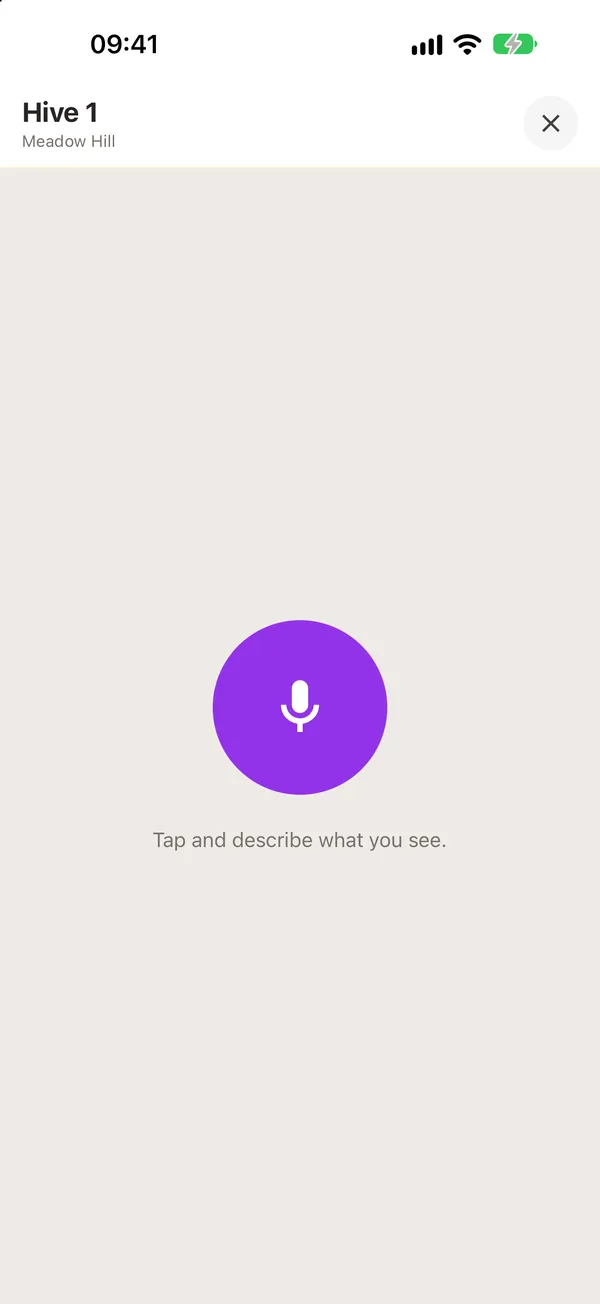
Tap +, choose Voice Inspection, then the hive. If you are already on the hive's page, tap Voice Inspection there and the hive is chosen for you. Press the microphone, talk, and press it again when you're done.
One recording is one hive. You don't need to say its number, because you have already picked it. It also means you can't talk through the whole apiary in one go: at the next hive, you start a new recording.
While you record, the screen stays on so the auto-lock doesn't cut you off. The limit is 25 minutes per recording. Once you stop, the screen shows the recording uploading, being transcribed and being read. Then you reach the review screen.
Before your first recording, the app asks for your consent. To turn speech into an inspection, it sends the recording to two outside services: AssemblyAI transcribes it, and Anthropic (Claude) sorts the text into the inspection's fields. Only the recording and its text are sent, and only when you record. You answer Allow or Not now. You can withdraw consent at any time in Settings, under AI processing of recordings.
What is worth saying
Use your own words, in your own language. The app recognizes the language, and the text stays in the language you spoke. A few things make a difference:
- Numbers, not impressions. "Brood on six frames" and "bees on eight frames" are recorded as such. "Plenty of brood" stays an impression.
- What you saw of the queen: queen seen, eggs, queen cells, swarm cells, a new queen, her colour or year if you know them.
- For a treatment, the name of the product. Without it, the treatment isn't recorded at all. If you know the no-harvest period, say it: "no harvest for six weeks". The app doesn't take it from anywhere else.
- What you need. "I need two frames of drawn comb and a feeder" goes into your Materials Needed list, with quantities.
- When you'll be back. "Back in a week" puts a follow-up date on the inspection.
- Corrections as you go. If you say "strong colony" and then "no, more like average", what you said last stands.
What you don't say stays empty. The app doesn't fill in guesses. And varroa counts don't come from voice: you record those on the Varroa page.
An example we wrote, to show how words map to fields. It isn't a screenshot from the app.
| What you say | Where it goes |
|---|---|
| “Queen seen, she's laying.” | Queen Status |
| “Solid brood on six frames.” | Brood Pattern |
| “Strong colony, calm.” | Strength, temperament |
| “Not much honey in the outer frames.” | Honey & Pollen Stores |
| “Put in two strips of Apivar, no harvest for six weeks.” | Treatment, with the no-harvest period |
| “I need two frames of drawn comb.” | Materials Needed |
| “Back in ten days.” | Follow-up date |
The review screen
Nothing is saved until you have looked. The screen has two boxes. What you said holds the transcribed text. What was recorded holds the fields filled in from it. When the app isn't sure, for instance because you contradicted yourself or the recording was hard to make out, it puts a warning at the top.
The fields shown here are the main ones: queen, brood, colony strength, stores, treatment, harvest, problems and materials. The rest, meaning frame counts, temperament, the no-harvest period and the follow-up date, you see in the saved inspection. So check the numbers in the text under What you said. Look hardest at those and at the product name for a treatment: a figure misheard in the wind doesn't jump out unless you look for it.
If it's right, press Save Inspection. If not, you have two options: Record again, or save and correct it afterwards. You can't change the fields on the review screen, only read them. And if nothing specific could be picked out of what you said, it is all saved as free text.
Correcting it afterwards
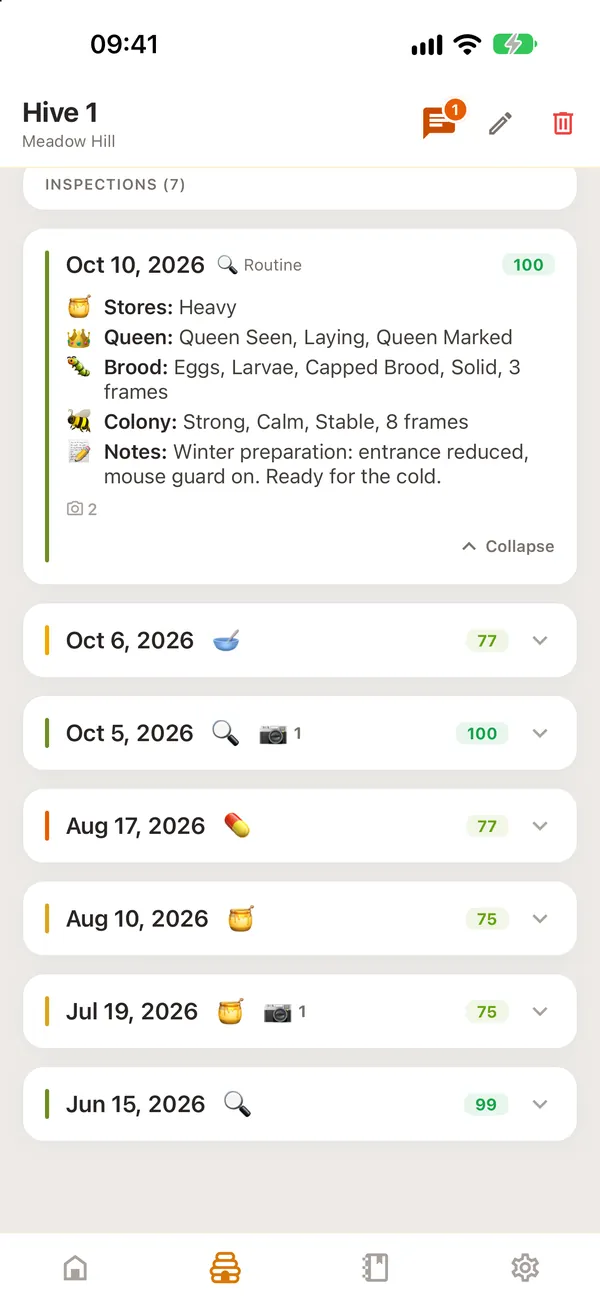
Open the saved inspection from the hive's history and edit it. You can change the notes, stores, queen and eggs, temperament, problems, feeding, treatment and harvest. The date, brood details, queen marking and photos can't be changed from there. Editing needs an internet connection.
Everything you said also goes into the inspection's notes, word for word. So if the transcription mangled a word, you fix it there. The recording stays with the hive, under Voice Notes, and you can play it back when you no longer remember what you meant.
Where the rest goes
The inspection appears in the hive's history like any other. Materials go into Materials Needed, where you tick them off once they're in the car. A treatment with a product named goes into the treatment register by itself, which we covered in the register guide.
Where it stumbles
With no signal, the recording is kept on the phone and sent when you're back online, but the inspection isn't made there and then: the app tells you so and closes the screen. The recording ends up under Voice Notes, with its text. If your apiary sits in a valley with no signal, use Quick Log there, which also saves offline.
Noise sometimes spoils a word: wind, the smoker, the veil you're talking through. Try it before the season, with one recording with the phone in your pocket and one with the phone held close, then compare the text under What you said. You'll soon see what works for you.
Minutes are counted by the length of the recording, for voice inspections and voice notes alike. The silence while you hunt for the queen on a frame counts too. It's cheaper to look first and talk after. Below the record button you can see how many minutes you have left this month, and if they're not enough, write to us in Messages.
Voice is part of Pro and of the first 15 days of a new account. It isn't in Start, where Quick Log stays free and unlimited.
Your first try
Pick a hive you know well and a short recording, about a minute. Say three or four things, with numbers, read the review screen and compare it with what you saw in the hive. If they match, next time the notebook can stay in the car.
The short version is on the voice inspection page, and the plans are on the pricing page.